Not unexpected, but is it predictable ?

Not unexpected, but is it predictable ?

Home Forums 3D Printers and 3D Printing Not unexpected, but is it predictable ?

  • This topic has 42 replies, 11 voices, and was last updated 28 May 2025 at 12:17 by Michael Gilligan.
Viewing 18 posts - 26 through 43 (of 43 total)
  • Author
    Posts
  • #798788
    Michael Gilligan
    Participant
      @michaelgilligan61133

      Yes … I am both embarrassed and happy !!

      I have no idea how it happened, but the troublesome .3MF file is much larger than the others in the set …

      Why ?

      Because it contains five instances of the same object, all co-located

      I deleted four and re-sliced it … after which, it printed nicely

      🙂 MichaelG


      #798810
      Alan Wood 4
      Participant
        @alanwood4

        Another recommendation Michael.

        “3D Printing Failures” (2022 edition) by Sean Aranda.  A bit pricey but has saved me many times from too much hair loss.

        #798815
        Alan Wood 4
        Participant
          @alanwood4

          Forgot to say that there will be a tick box somewhere in the slicer setup that will cause a new version of the slicer app to open each time you send something to print.  It stops the co-location of objects but leads to the frustration of lots of windows open.  You pays your money etc

          #798831
          Michael Gilligan
          Participant
            @michaelgilligan61133

            Thanks for your continuing advice, Alan

            Keep it coming … this geriatric dog needs to learn a lot of new tricks.

            Meanwhile, I have at last produced my set of tubular samples, which will be measured in due course.

            … the simple idea being to to investigate how the printer handles dimensions that are  seemingly impossible to print with a 0.4mm nozzle.

            MichaelG.

            #798895
            Andrew Entwistle
            Participant
              @andrewentwistle

              Hi Michael, for dialing in performance when using a new filament type I print a 20mm cube with the slicer set for single outer wall, no infill or top layer. I adjust the extrusion multiplier (Flow Ratio in Bambu slicer) to get exactly 0.4 mm wall width (for a 0.4 mm nozzle). A micrometer is better than calipers for assessing this.

              After building and ‘Klipperising’ my printer is set it up with the MK1 Califlower model and spreadsheet which corrected for a slight skew in xy as well as x-y scaling etc. Looks like it has been replaced with this https://vector3d.shop/products/califlower-calibration-tool-mk2

              But I guess you didn’t get the Bambu to have the printer itself as the project as I did.

              Andrew.

              #798911
              Michael Gilligan
              Participant
                @michaelgilligan61133
                On Andrew Entwistle Said:

                […]


                But I guess you didn’t get the Bambu to have the printer itself as the project as I did.

                Quite right, Andrew … using a 3D Printer has been on my “bucket-list” for a long time and, quite frankly, I chose the Bambu on the basis that Vita brevis !

                MichaelG.

                .

                I am most grateful for your helpful observations though.

                #799063
                Andrew Entwistle
                Participant
                  @andrewentwistle

                  I ordered an X1Carbon last year for work and I still see Bambu as the best choice for ‘just working’. The one enhancement we made was to buy a polyurea build plate, which is sticky for PLA 45C, so removing the need to open the door for PLA prints. It reduced/removed warping in PLA. There are many options but I think this is the one we got:

                  https://www.aliexpress.com/item/1005007189059119.html

                  #799230
                  Michael Gilligan
                  Participant
                    @michaelgilligan61133

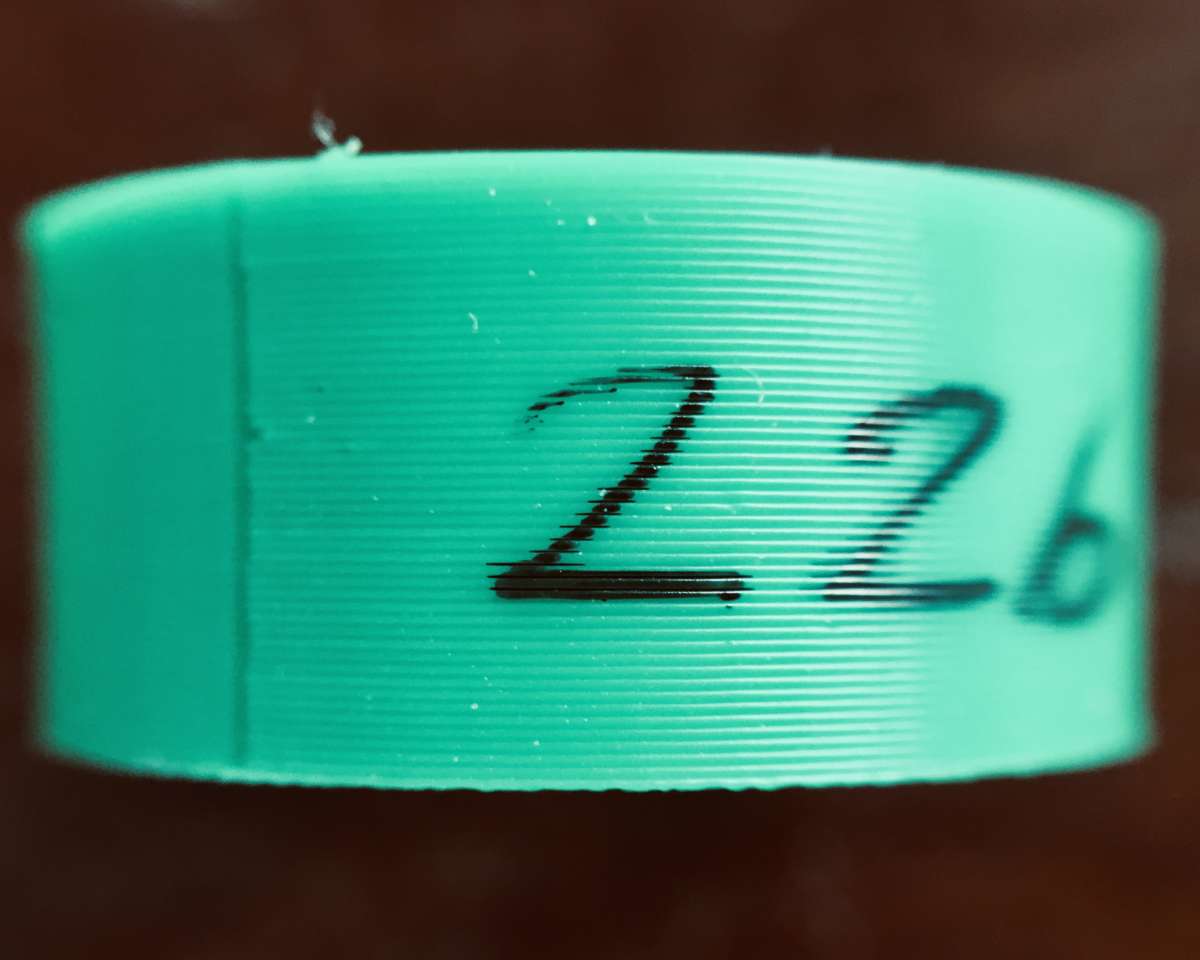
                    I’m not sure how best to interpret this, so I will just share the raw data for a start

                    All the test pieces have a decent finish with only slight surface texture

                    There is probably some slight ovality, but I have not attempted to measure it

                    Each value represents just one measurement with a digital caliper

                    … therefore please don’t take the implied accuracy too seriously.

                    .

                    Posture

                    .

                    The crucial point, of course, is that the 0.4 nozzle cannot produce very thin walls … and my test was done to see how the printer worked-around that impossible task.


                    MichaelG.

                    .

                    Excuse the colour-cast:

                    IMG_0804

                    #799235
                    Tony Pratt 1
                    Participant
                      @tonypratt1

                      I can’t see any images?

                      Tony

                      #799237
                      Michael Gilligan
                      Participant
                        @michaelgilligan61133
                        On Tony Pratt 1 Said:

                        I can’t see any images?

                        Tony

                        I might soon give-up trying to post images on this forum.

                        MichaelG.


                        #799298
                        Michael Gilligan
                        Participant
                          @michaelgilligan61133

                          < sigh >

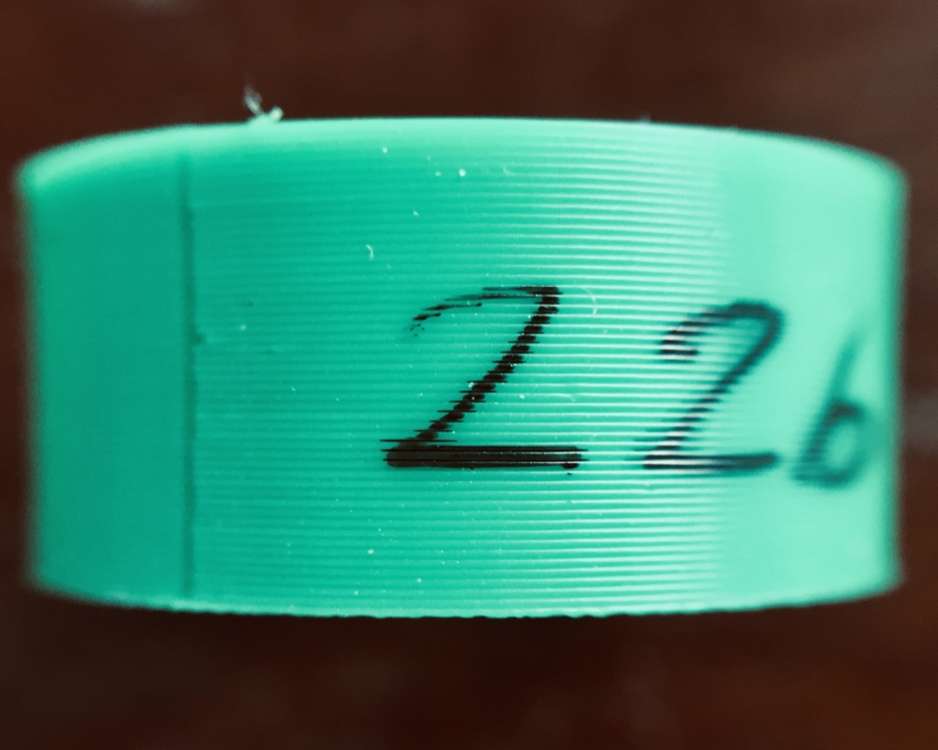
                          Here [hopefully] is a downsized version of the previously submitted image:

                          .

                          Posture

                          .

                          Just to show the nice tidy layers.

                          MichaelG.

                          #799302
                          JasonB
                          Moderator
                            @jasonb

                            That one shows up OK as for the rest the thread title seems quite appropriate!

                            #799305
                            Michael Gilligan
                            Participant
                              @michaelgilligan61133

                              Thanks, Jason

                              🙂

                              MichaelG.

                              #800036
                              rjenkinsgb
                              Participant
                                @rjenkinsgb

                                For mechanical / engineering parts, have a look at Designspark Mechanical. That’s a free program which can export to .stl (though change the option to high quality as soon as you install it).

                                I find it far better and easier to use that Freecad or the other CAD programs I have, when creating 3D designs for printing.

                                You can get it via the RS Components web site.

                                #800057
                                Michael Gilligan
                                Participant
                                  @michaelgilligan61133
                                  On rjenkinsgb Said:

                                  For mechanical / engineering parts, have a look at Designspark Mechanical. […] You can get it via the RS Components web site.

                                  Thanks for the recommendation … I will

                                  MichaelG.

                                  #800083
                                  Michael Gilligan
                                  Participant
                                    @michaelgilligan61133
                                    #800099
                                    JasonB
                                    Moderator
                                      @jasonb

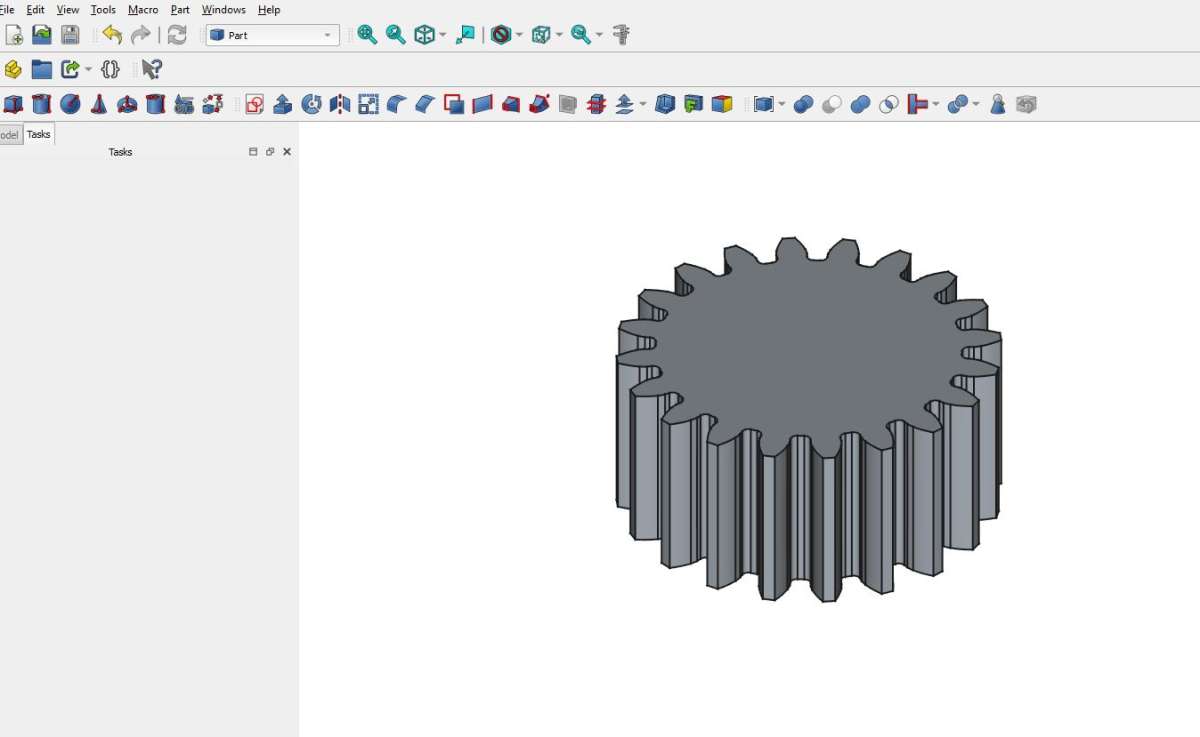
                                      Thats a bit long winded. Stick with the FreeCAd you have and there is a gear generator in that, should take less that 60seconds to create a gear

                                      gear5

                                      #800107
                                      Michael Gilligan
                                      Participant
                                        @michaelgilligan61133

                                        🙂

                                        That, and the fact that there is no native MacOS version had already put me off … but thanks anyway to rjenkinsgb

                                        MichaelG.

                                      Viewing 18 posts - 26 through 43 (of 43 total)
                                      • Please log in to reply to this topic. Registering is free and easy using the links on the menu at the top of this page.

                                      Latest Replies

                                      Viewing 25 topics - 1 through 25 (of 25 total)
                                      Viewing 25 topics - 1 through 25 (of 25 total)

                                      View full reply list.